Timesheet approval for contractors means checking the hours a vendor reports against the contract, the purchase order (PO) and the work actually delivered, before the vendor is allowed to invoice. When it is skipped or rubber-stamped, overbilling, invoice disputes and gaps in the audit trail follow.
Most guides on this topic cover payroll: an employee submits hours, a manager approves them, pay follows. Contractors supplied by vendors work differently, with three parties and an invoice at the end. This guide covers the process step by step, what approvers should check, how to match approved time to POs and invoices, and the KPIs that show whether the control works.
What is timesheet approval?
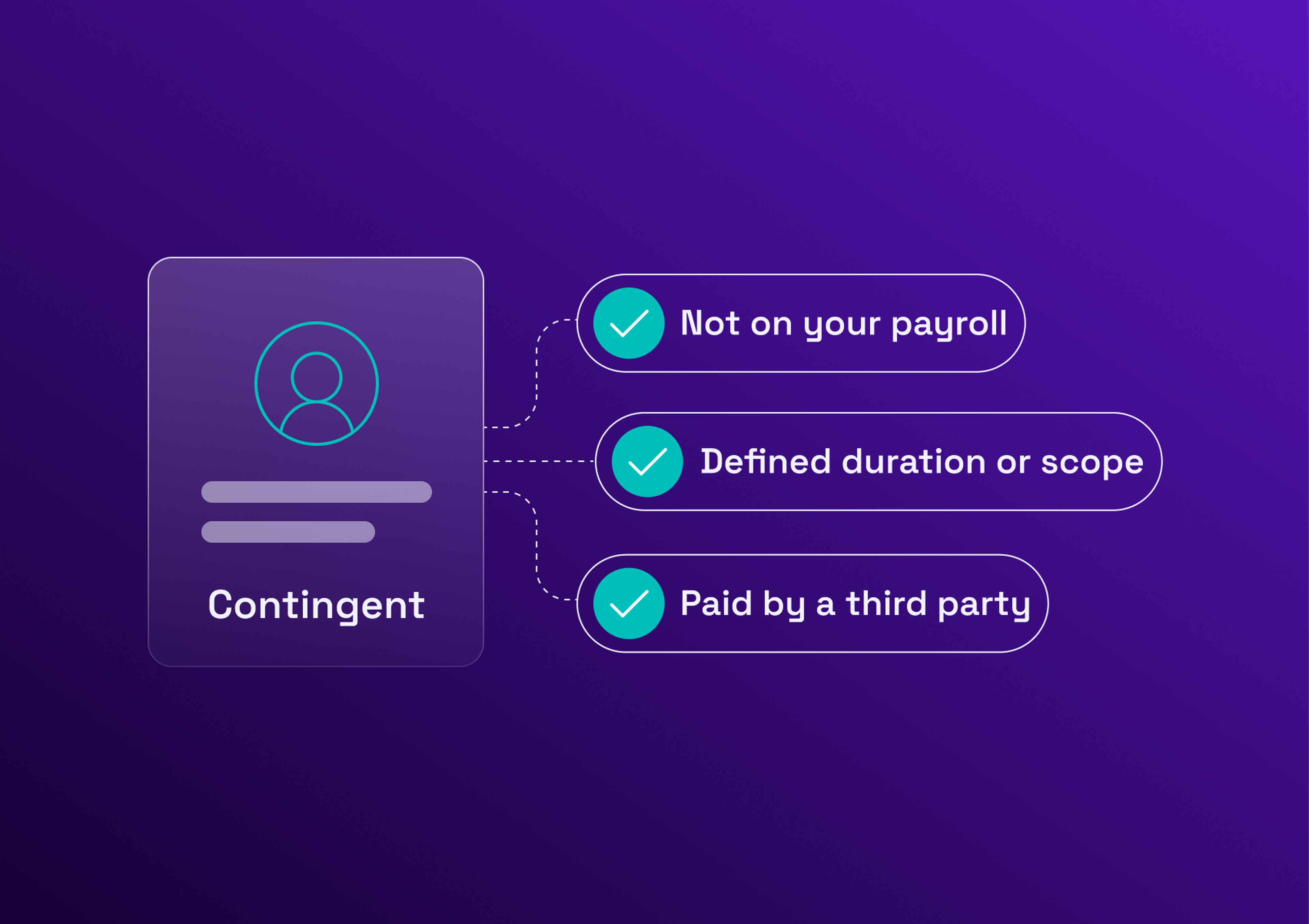
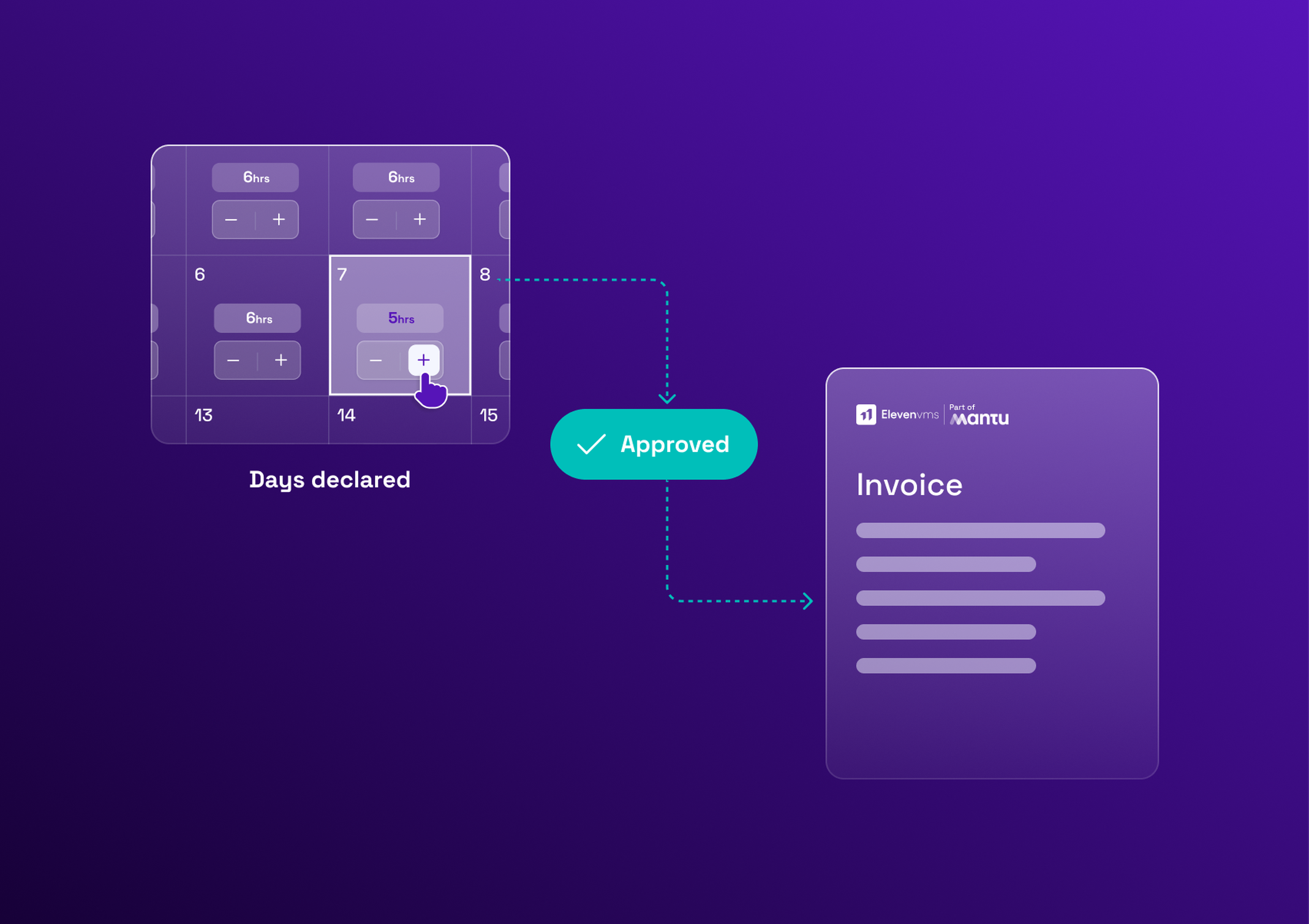
Timesheet approval is the step where a manager or approver reviews the hours or days a worker has reported, checks them against the contract, the purchase order and the work delivered, and accepts, rejects or queries them. For contractors, approval triggers a vendor invoice rather than payroll.
That difference changes the stakes. Approving an employee's hours feeds payroll, and errors are corrected in the next pay run. Approving a contractor timesheet commits the company to pay a supplier, usually at a contractual rate, against a purchase order with a limited budget. The approved contractor timesheet is the evidence the vendor will cite when it invoices.
Why contractor timesheet approval is different from payroll approval
| Employee | Contractor | |
|---|---|---|
Who submits | The employee | The contractor, often through the vendor's system |
Who approves | The line manager | The client manager, sometimes after a vendor check |
What approval triggers | Payroll | A vendor invoice |
Rate source | Salary | The contract rate card or day rate |
Main risk | Payroll error | Overbilling, invoice disputes and, if approval turns into control, misclassification |
Three parties are involved: the contractor, the vendor that employs or engages them, and the client manager who directed the work. Each holds part of the picture, and none holds all of it. This is why the external workforce needs its own approval logic rather than a copy of the payroll one.
The timesheet approval process, step by step
A reliable approval workflow has six steps. Each one has a clear owner and a clear output.
Submission. The contractor submits the timesheet for the period, in days or hours, with the mission and PO reference. A fixed submission deadline avoids late entries piling up at month end.
Automatic checks against the PO, rate card and remaining budget. Before a human sees the timesheet, the system checks that the PO is open, that the rate is the agreed one, and that the days fit within the remaining budget.
Manager review. The manager who directed the work confirms that the time matches what was done. This is the judgment no system replaces.
Approve, reject or query. An approval moves the timesheet forward. A rejection returns it with a reason. A query asks the contractor or the vendor to clarify before a decision.
Lock and audit trail. Once approved, the timesheet is locked. Who approved what, when and on which version is recorded, so the approval can be reconstructed later.
Release to the vendor's invoice. Only approved time can be invoiced. The approved timesheet becomes the reference for the invoice check.
Where time is consolidated into a monthly document, the same steps apply to it: the activity report covers that monthly cycle.
What approvers should check before signing off
A timesheet approver does not need to audit every line. A short, fixed checklist catches most errors:
hours or days against the contract cap: the mission should not run past its limit unnoticed, and the remaining days should be visible at the moment of approval
the rate: it must match the agreed rate card or day rate for that profile, not a rate the vendor has quietly moved up
dates: every day must fall inside the mission period, with no entries before the start or after the end
overtime: it must have been authorized in advance, since an after-the-fact overtime claim is a negotiation, not a control
the work: it must match the deliverables or tasks planned for the period, which only the approver can judge
duplicate entries: the same day declared twice, or declared by two people on the same mission
the cost center: the spend must land in the right budget, or the overrun appears in the wrong place
Two of these are worth automating: the cap and the rate. They are objective, and a person checking them by eye will miss some. The others, such as whether the work matches the deliverables, need the approver's knowledge.
Day rate vs statement of work: what you are actually approving
What you approve depends on how the work is bought. The day rate vs fixed price choice decides it.
| Day rate or time and materials | Fixed price or statement of work | |
|---|---|---|
What you approve | Hours or days worked | Milestones or deliverables |
Evidence | The approved timesheet | The acceptance of each deliverable |
What triggers invoicing | Approved time multiplied by the rate | Milestone acceptance |
Do timesheets matter? | Yes, they are the basis of the invoice | Optional, for visibility on effort only |
Main watch point | Days that do not match the PO | Scope changes and acceptance criteria |
On a day-rate contract, approving time is the control. On a fixed-price contract, hours worked are the supplier's concern and the control moves to acceptance. Approving timesheets on a statement of work out of habit adds work without adding control. Hybrid contracts sit in between: with capped time and materials, hours are approved as usual, and each approval counts against the cap, so an alert can warn the manager before the ceiling is reached. Managing SoW-based engagements covers how milestones and acceptance criteria are set up.
Matching approved time to POs and invoices
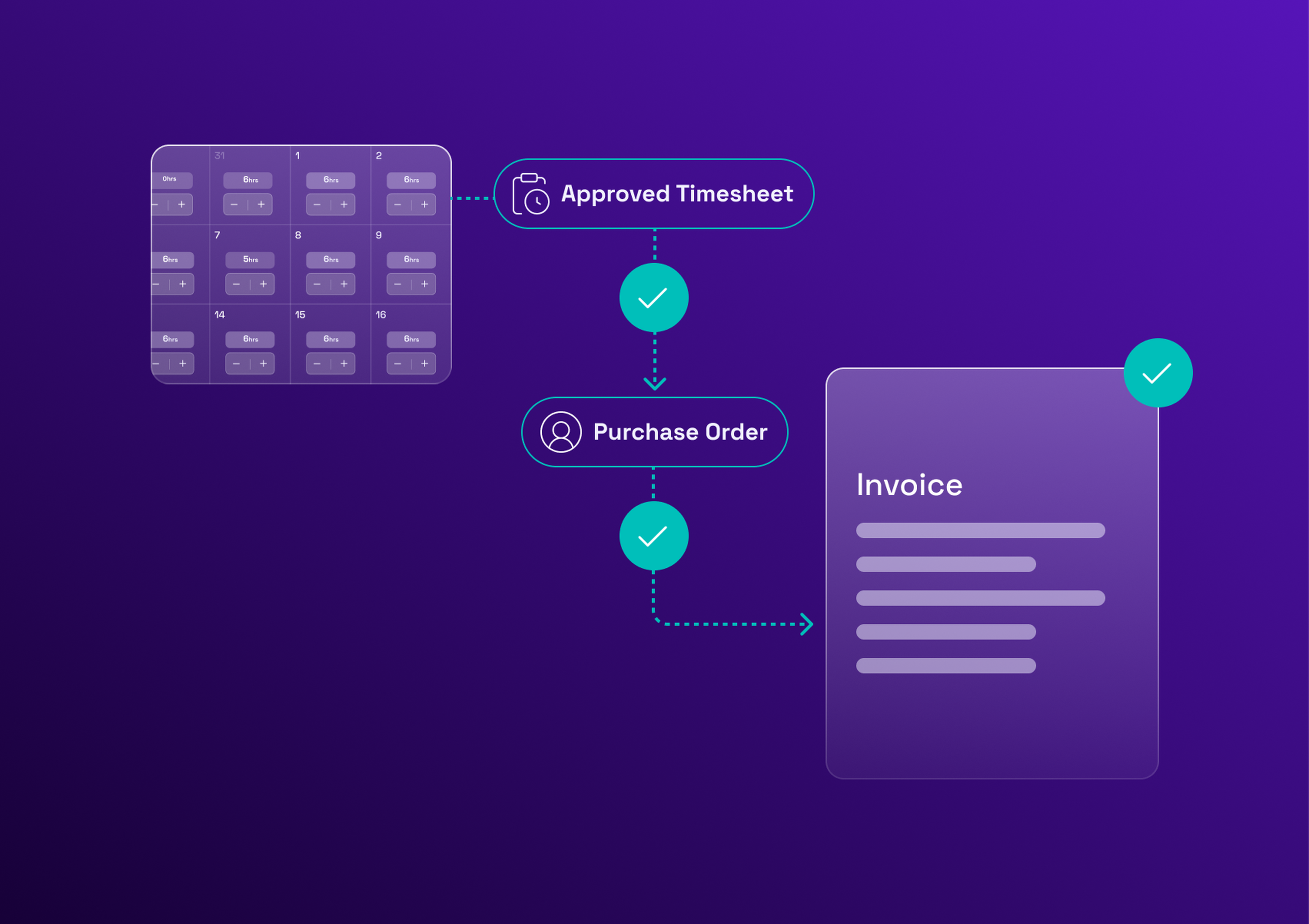
The approved timesheet is one corner of a three-way match: the PO, the approved timesheet and the vendor invoice. Each says something different. The PO says what the company agreed to pay and up to what budget. The timesheet says how much work was approved. The invoice says what the vendor now claims.
Invoice reconciliation then comes down to three checks:
the quantity invoiced equals the approved days
the rate invoiced equals the PO rate
the total stays within the remaining PO balance
An illustrative example: a PO covers 40 days at a day rate of 600 euros, and 18 days have already been invoiced, so 22 days remain. The contractor's timesheet for the month is approved at 20 days. The vendor invoices 21 days at 600 euros. The total fits within the remaining balance, but the quantity (21 days) does not equal the approved days (20), so the invoice is held and queried.
When the three agree, the invoice is released for payment. When they do not, it is held and queried, before any money leaves. This link between approval and invoice is what stops overbilling: a vendor cannot be paid for days nobody approved.
Handling rejections, disputes and corrections after approval
Rejections and disputes are normal. They become a problem when they are handled by email, with no rule and no record. Four rules keep them manageable:
every rejection carries a reason, so the correction takes one round instead of three
vendors have a set response time, written in the contract
a correction after approval is a new tracked version, never an edit to the approved one
if the invoice has already been issued, the correction goes through a credit note and a new invoice
Recording the reason in a fixed list, such as wrong PO, hours above the cap, missing deliverable or duplicate entry, also shows where the problem starts and where to fix it upstream.
The second rule matters most for cash flow. A rejected timesheet holds up the invoice, and the vendor waits for payment, so a response time protects both sides.
Compliance: approval without control
Approving a contractor's output is normal. Dictating their hours can count as evidence of an employment relationship. The line between the two is about control: an approver confirms that the time declared matches the work delivered, and does not decide when, where or how the contractor works.
Regulators look at that control. In the US, the IRS common-law test groups the evidence into behavioral control, financial control and the relationship of the parties. In France, the Code du travail prohibits illicit labor lending and treats undeclared work, including disguised employment, as an offense.
A safer way to steer the work is to agree on deliverables and a period in the contract, then approve results against them, rather than managing the contractor's days. In practice, an approver who checks consistency with the contract is on safe ground. An approver who sets schedules, requires fixed hours or corrects how the work is done moves toward the line. The contractor compliance guide covers the signals in detail. This is general information, not legal advice.
Timesheet approval KPIs to track
| KPI | What it shows |
|---|---|
Approval cycle time | How long timesheets wait between submission and decision, and where they stall |
First-pass approval rate | The share of timesheets approved without a rejection or a query |
Rejection rate by vendor | Which vendors submit unreliable timesheets, and why |
Late submissions | How often deadlines are missed, and by whom |
Invoices disputed because of timesheets | How much invoice friction comes from approval problems |
Spend approved over budget | Whether the PO check works at the moment of approval |
Two of them can be read directly from the submission and decision dates, which makes them the easiest place to start: approval cycle time and first-pass approval rate. The others need the rejection reason and the invoice link.
Read them with the wider procurement KPIs the team already tracks. A rising rejection rate for one vendor is a supplier management signal, not only a process one.
Common timesheet approval mistakes
Rubber-stamping: approving in bulk without reading, which turns the control into a formality.
Approver bottlenecks: one person approves everything, so timesheets queue and invoices slip.
No back-up approver: an absence stops the whole cycle.
Sign-off by spreadsheet and email: no record of who approved what, and no link to the PO.
Approving time without checking the PO balance: the overrun is discovered at invoicing, when it is too late to prevent it.
How a VMS automates timesheet approval
A vendor management system turns this process into a routed, tracked flow instead of a chain of emails and spreadsheets. Eleven VMS provides:
time validation inside the approval flow, with checks against the PO and the rate
connections to the ERP and payment systems, so approved time reaches invoicing without rekeying
an audit history of every approval, rejection and correction
At Inetum, automating timesheet approval was one of the project's stated objectives. The reported results include more secure timesheet validation and fewer manual exchanges.
Keeping timesheet approval under control
A short checklist, a fixed deadline and a three-way match remove most billing disputes on contractor work. A platform keeps them in place when contractors and vendors multiply.
Book a meeting with one of our experts for a personalized demo.