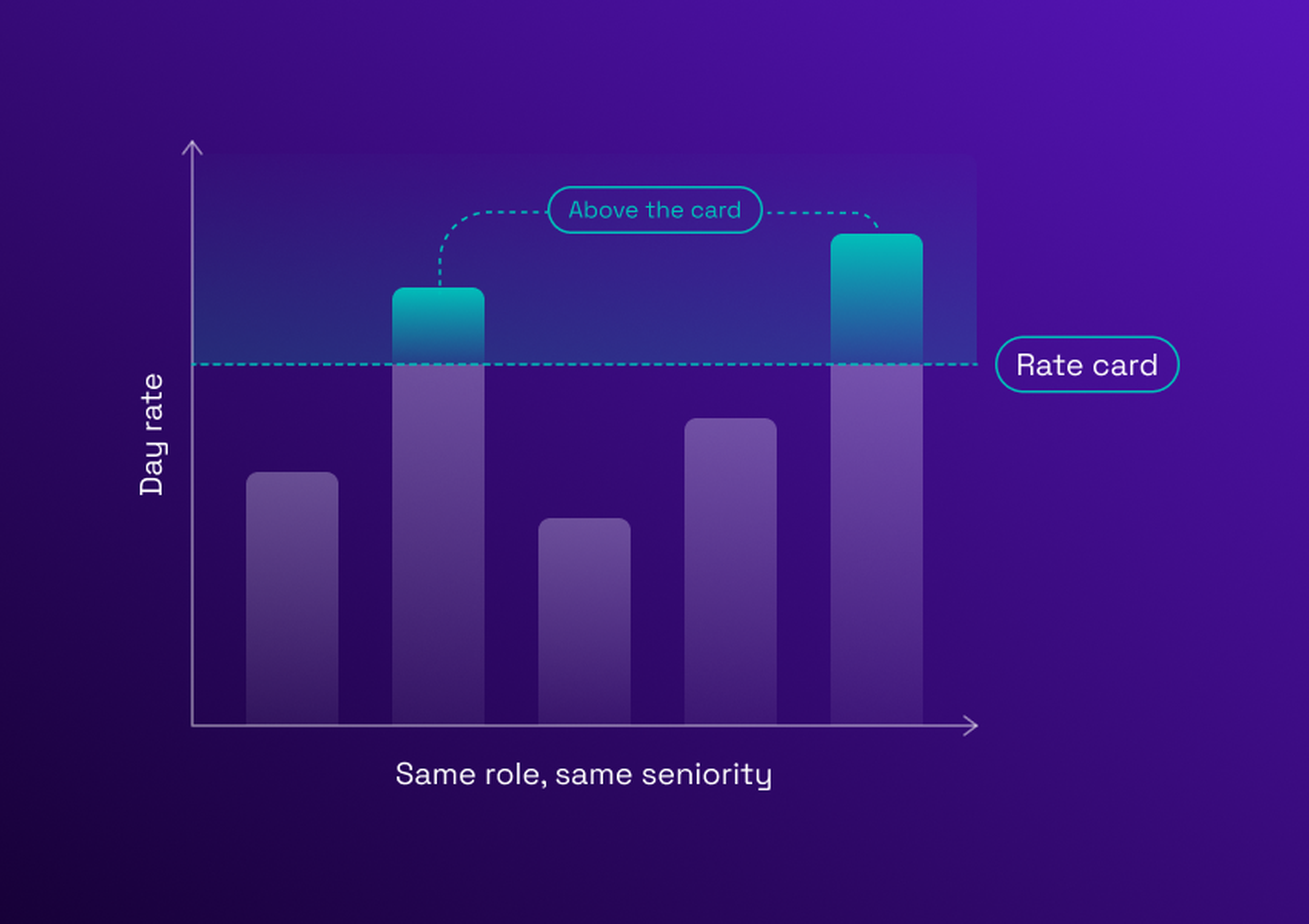
A rate card turns the price of external expertise from a negotiation into a reference. Without one, two business units can pay very different day rates for the same senior Java developer or SAP consultant, and nobody notices until the invoices are compared. This guide covers what a rate card is, what it includes, a template to start from, six steps to build one, and the governance that keeps it enforced, for buyers of IT and consulting services described in the guide to services procurement.
What is a rate card?
A rate card is a pre-agreed price grid listing the rates a company will pay suppliers for each role, seniority level and location. In procurement, it sets a ceiling and a reference for every request, order and invoice, so rates are negotiated once instead of mission by mission.
The term has two meanings. Agencies and consultancies publish rate cards to show their prices to clients. Procurement teams do the reverse: they negotiate a rate card with their suppliers and impose it. This second rate card meaning is the one used in this guide. The card is not a price list the supplier chooses; it is the buyer's reference for what a profile is worth.
Why procurement teams need a rate card
A supplier rate card changes five things, each with a concrete consequence:
Consistent prices across business units. Without a grid, every business unit negotiates alone, and the same profile costs a different amount depending on who asked.
Rates stop drifting upward. Without a ceiling, rates creep up at each renewal and each new mission, and nobody owns the increase.
Faster sourcing. Without agreed rates, every mission starts with a renegotiation. With them, a request goes straight to profiles.
Better budget forecasting. A known day rate lets finance estimate the cost of a mission from the number of days, before it starts.
Like-for-like supplier comparison. Suppliers are compared on the same roles and bands, instead of on whatever each one quoted.
What a rate card includes
A rate card is a table with a small number of fields. A rate card template starts from the ten below.
| Field | What it means | Example |
|---|---|---|
Role family | The group a profile belongs to | Software engineering, data, project management |
Role or profile | The specific profile bought | Java developer, SAP finance consultant, scrum master |
Seniority band | The experience level, defined once for all suppliers | Junior, confirmed, senior, expert |
Location or delivery model | Where and how the work is delivered | Onsite, nearshore, offshore |
Maximum day rate | The ceiling a supplier cannot exceed for that profile and band | One ceiling per profile and band |
Rate range | A minimum and a maximum, if negotiation is allowed within a band | A range per profile and band |
Currency | The currency of the card, with a conversion rule if suppliers invoice in another | Euro |
Validity dates | The period during which the card applies | Valid from 1 January to 31 December |
Indexation rule | How rates may change during the validity period | A capped annual revision tied to an agreed index |
Supplier | Whether the card is specific to one supplier or applies to the whole panel | One card for the whole panel |
Day rates vs hourly rates
Intellectual services in Europe are usually priced by the day, while US staffing is usually priced by the hour, as a pay rate plus a markup. This changes the grid. A day-rate card has to define what a day contains: the number of hours, travel time and expenses, and whether half-days are billed. Without that definition, two suppliers quote the same day rate for different amounts of work.
Individual vs blended rates
A blended rate is one rate averaged across a team of different seniority levels. It is simpler to negotiate. From the buyer's side, a blended rate card hides the seniority mix: a supplier can staff junior profiles at a blended rate set for senior ones, and the buyer pays for experience it does not receive. A blended rate is acceptable only if the mix is disclosed and monitored. Rates by profile and band are safer.
Rate card example for IT and consulting services
The grid below is a rate card example for IT and consulting profiles. It is a template, not market data: the values are left blank on purpose, because day rates depend on the country, the skills and the market, and should come from your own benchmark.
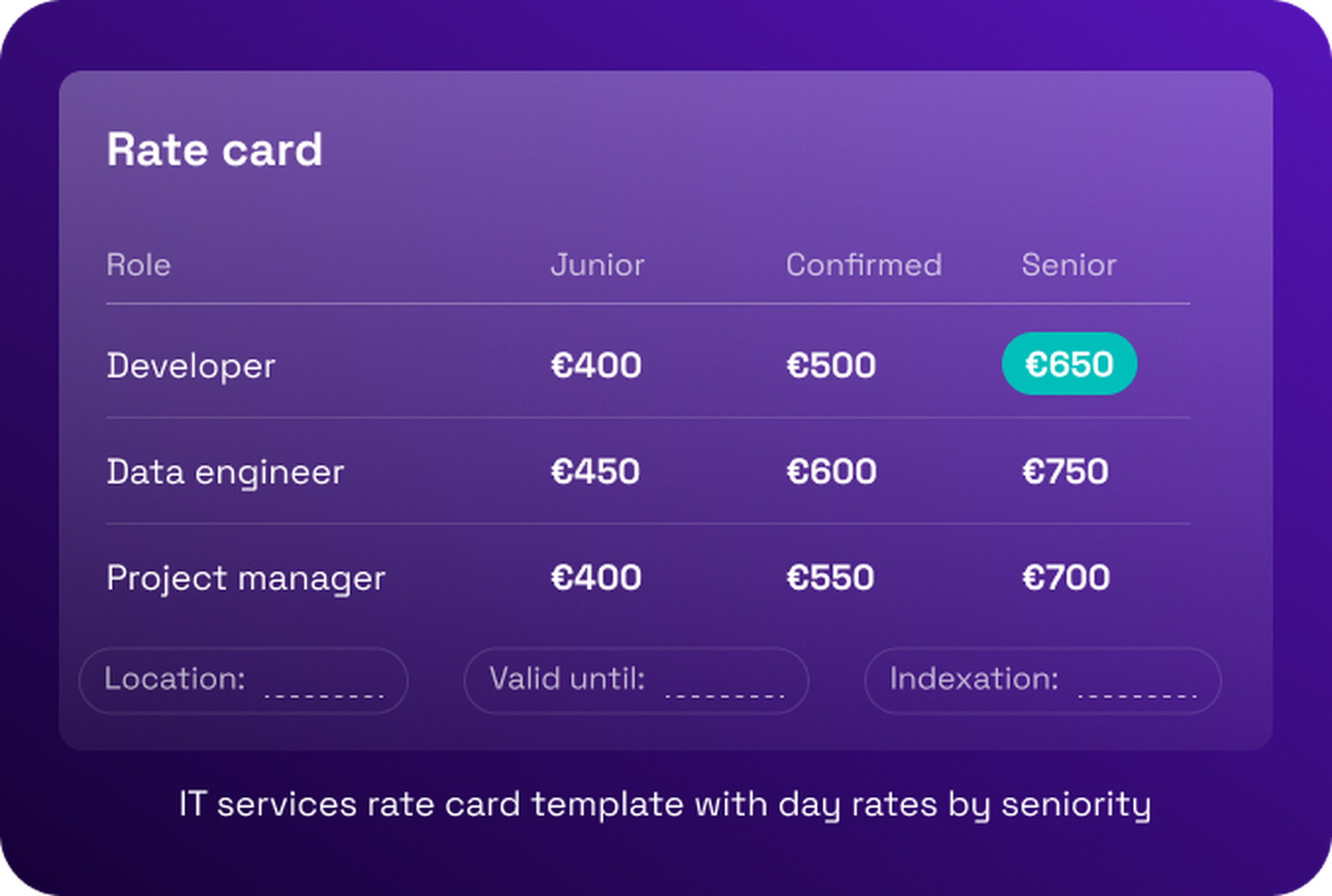
| Profile | Junior | Confirmed | Senior |
|---|---|---|---|
Software developer | € 400 | € 500 | € 650 |
Data engineer | € 450 | € 600 | € 750 |
Project manager | € 400 | € 550 | € 700 |
SAP consultant | € 450 | € 550 | € 700 |
Business analyst | € 400 | € 550 | € 650 |
Each cell holds one maximum day rate, in the currency of the card. A consultant rate card for a different location is either a separate card or a set of adjustments applied to this one. Rates should rise with seniority, and a card in which a junior band costs as much as a senior one signals a calibration problem.
How to build a rate card in 6 steps
Map current spend and existing rates. Pull invoices, purchase orders and timesheets for the last twelve months: which profiles are bought, from which suppliers, at what day rates, and in which business units. The spread across the same profile is the first finding, and the baseline the card will be measured against.
Standardize the role catalog. Job titles vary by supplier: "senior Java developer", "Java tech lead", "Java expert". Group them into role families and a small set of profiles, and define each seniority band once. Too many roles make the grid unusable, and too few make the averages meaningless. Keep the catalog stable: a new profile is added only when no existing one fits.
Benchmark against market data and your own data. Compare your own spread with market sources and with what comparable suppliers charge. Use the median of your own data as a first anchor, and note the date and source of every benchmark, because rates move. Treat a benchmark as a range, not a single truth: the aim is a defensible ceiling, not a perfect price.
Set bands and ceilings. For each profile, seniority band and location, set a maximum day rate and, if you allow negotiation, a range. Decide how a ceiling applies to a team that mixes levels, so the card cannot be bypassed through the mix. Write the exception rule at the same time, so the ceiling and its exceptions are designed together.
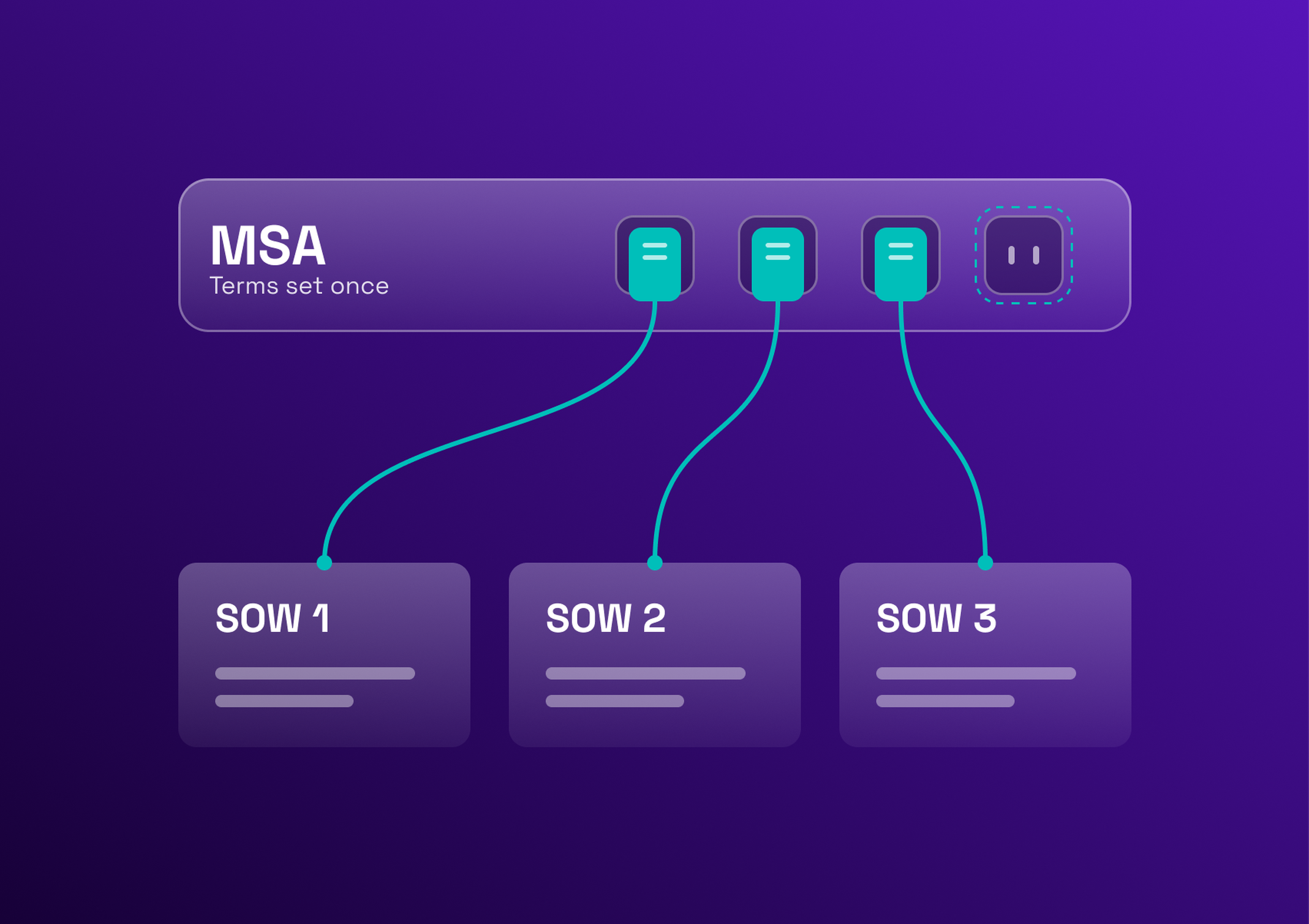
Negotiate with panel suppliers and write acceptance into contracts. Present the card to the supplier panel, negotiate where the data justifies it, and write the accepted card into the framework agreement. Accepting the card becomes a condition for being listed in your preferred vendor panel. Agree the review date and the indexation rule in the same negotiation.
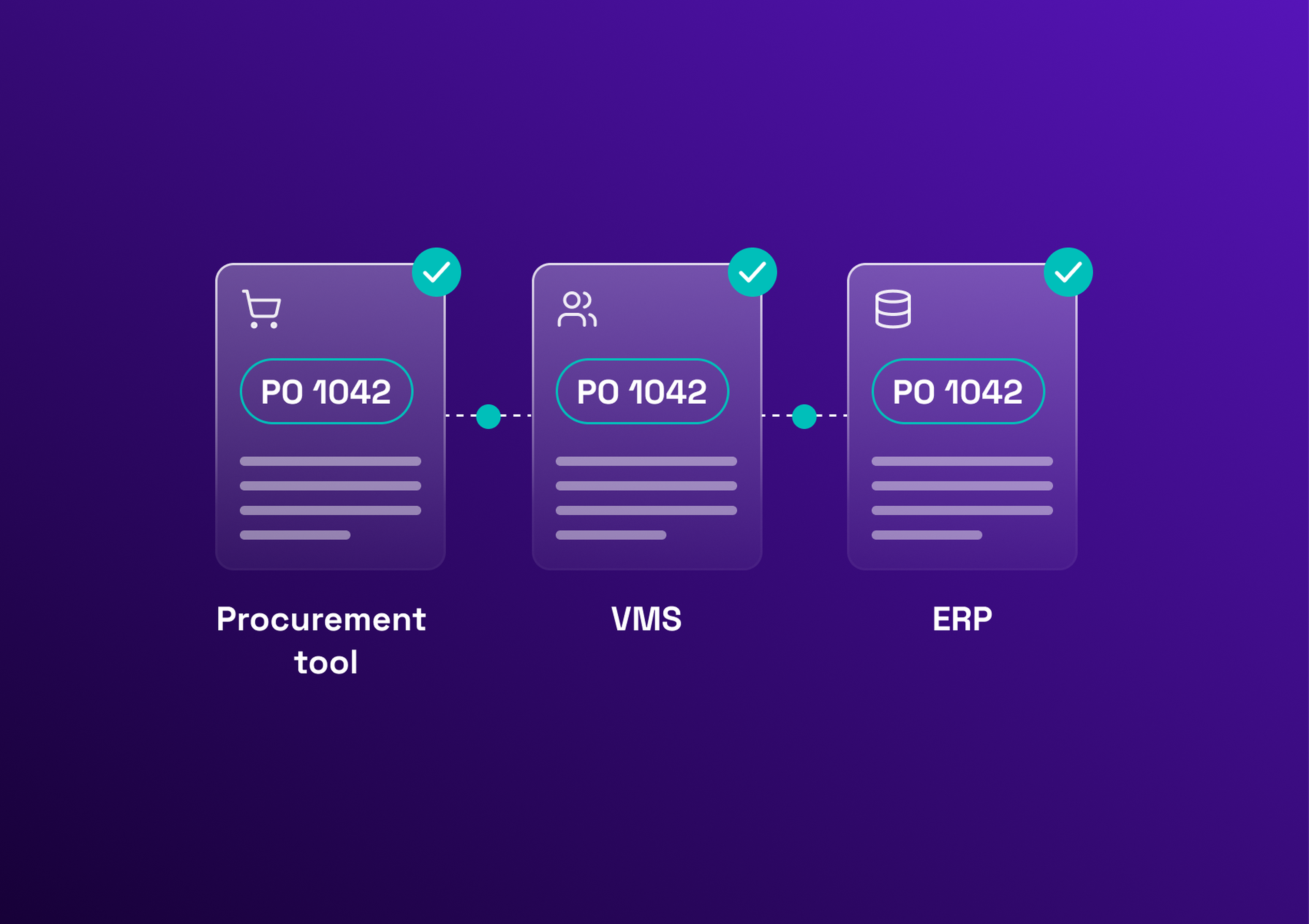
Load the card into your tools. A card in a PDF is not enforced. Load it into the system where requests, orders and timesheets are handled, so each one is checked against it. A vendor management system is built for this. Test it on a few live missions before rolling it out to every business unit.
The result is one rate card per panel, and this is how to build a rate card that procurement can enforce rather than a document that sits in a shared drive.
Keeping your rate card under control
A card that is not managed goes stale. Rate card management comes down to three habits.
Handling requests above the agreed rate
Some profiles will not fit the card: a rare skill, an urgent need. An off-card request needs a documented justification (why this profile, why this rate, for how long) and an approver above the requester. Set thresholds: a small gap approved by the category manager, a larger one by procurement leadership. Record every exception, because a pile of exceptions is how rate creep returns.
Review cadence and indexation
Review the card at least once a year, on a fixed date. Indexation clauses keep revisions predictable. In France, the Syntec index is commonly used to revise prices in IT, engineering and consulting contracts: the revised price is the original price multiplied by the latest index and divided by the reference index, as the Numeum guide to the Syntec index explains. Whatever the index, fix the revision date and agree a cap on increases in the contract.
Tracking rate compliance as a supplier KPI
Three numbers show whether the card holds: the share of missions within the card, the average gap to the ceiling, and the share of missions above the agreed rate. Read by supplier, they show which suppliers respect the card and feed panel decisions, alongside the wider procurement KPIs. At Parrot, Victor-Louis Destailleur, Head of Purchasing, says: "Tracking key performance indicators, particularly average daily rate, has allowed us to better manage our expenses, and therefore save money."
Rate cards for fixed-price and SOW engagements
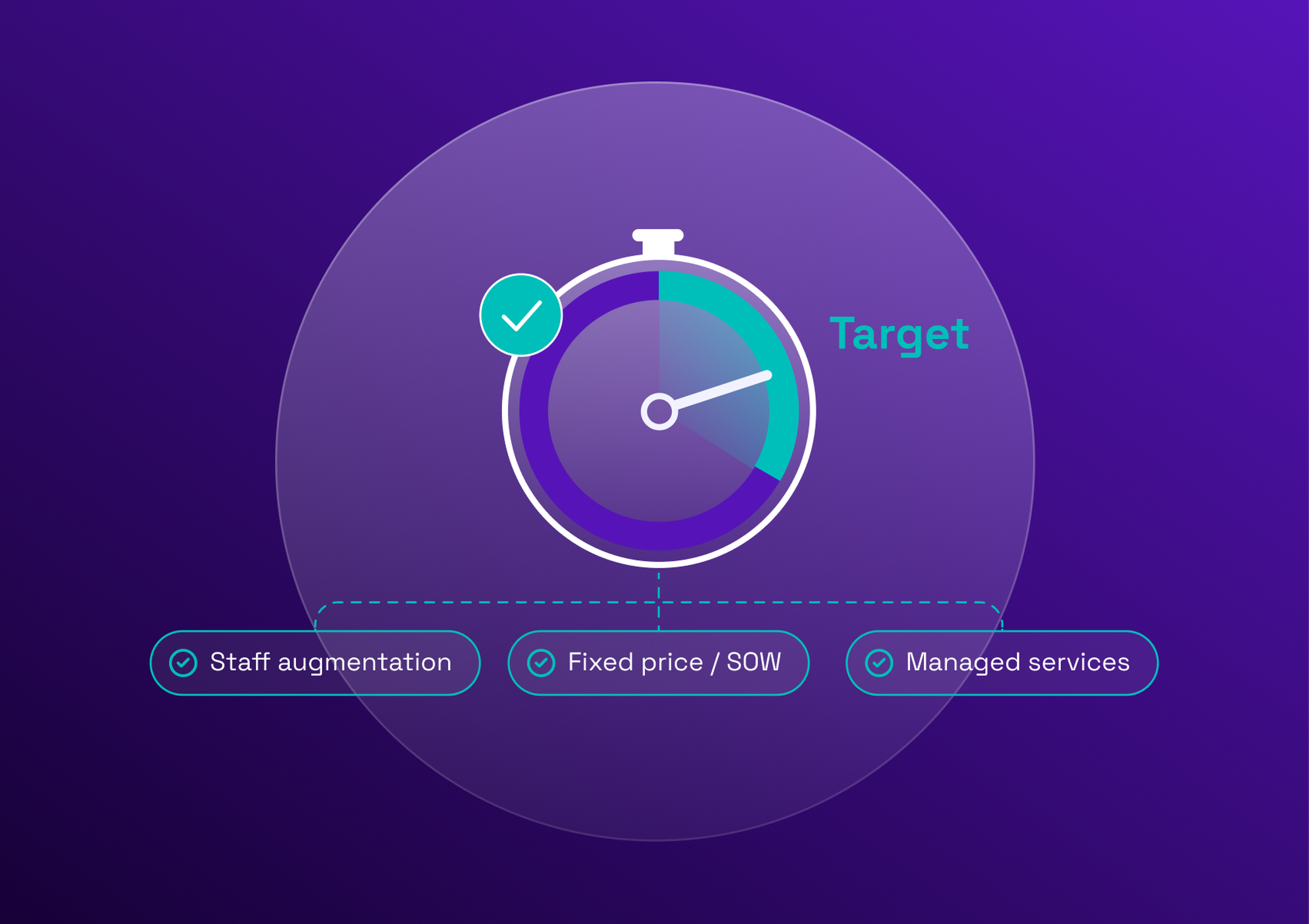
A day-rate card is also a tool for fixed-price work. A supplier quotes a fixed price for a project it estimates at a number of days. Multiply those days by the card rate of the profiles involved: the result is a reference price. A quote far above it needs an explanation, such as contingency, risk premium or extra scope. A quote far below it needs a scope check.
For recurring SOW work, the card also gives a base for a price per deliverable or per unit of work, derived from the card rate and a standard number of days. The day rate vs fixed price comparison explains when each model fits, the guide on managing SOW-based procurement covers how to run it, and the page on how to manage fixed-price missions shows how they sit next to day-rate missions in one platform.
Common rate card mistakes
Too many roles, so the grid is unusable, or too few, so the averages mean nothing.
No validity date, so the card goes stale without anyone noticing.
Rates agreed but not enforced when orders are placed: the card exists only on paper.
One global card that ignores location, so the same rate applies to markets that are priced very differently.
Blended rates without the seniority mix disclosed.
Business stakeholders left out of the design, which leads to workarounds and off-card requests.
Enforcing rate cards in one place
A clear card and a few habits remove most of the rate drift. A platform keeps them in place when missions and suppliers multiply. Eleven VMS lets you load your rate cards and apply them to each mission, and follow the day rate by supplier. See how to manage rate cards in one platform, or calculate your VMS ROI.
Book a meeting with one of our experts for a personalized demo.